


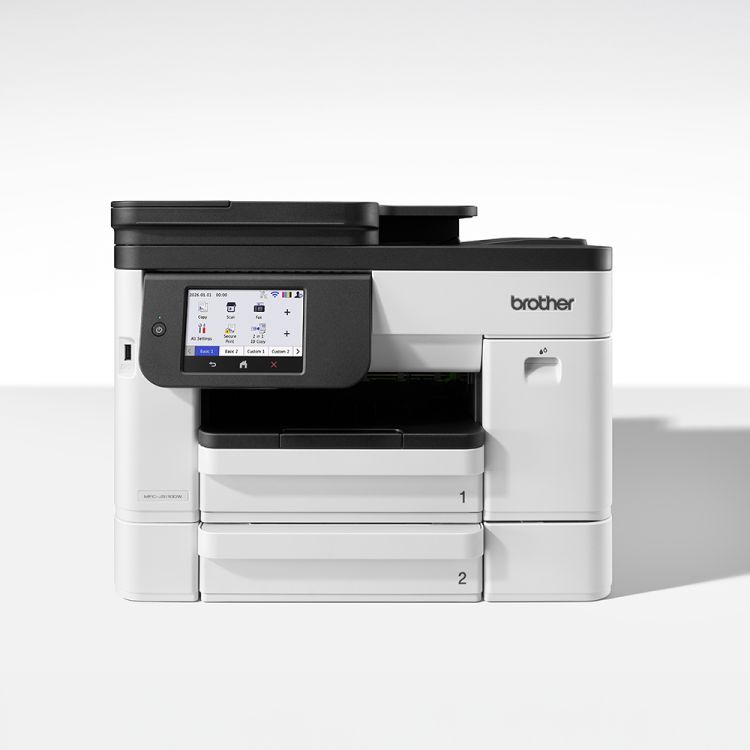
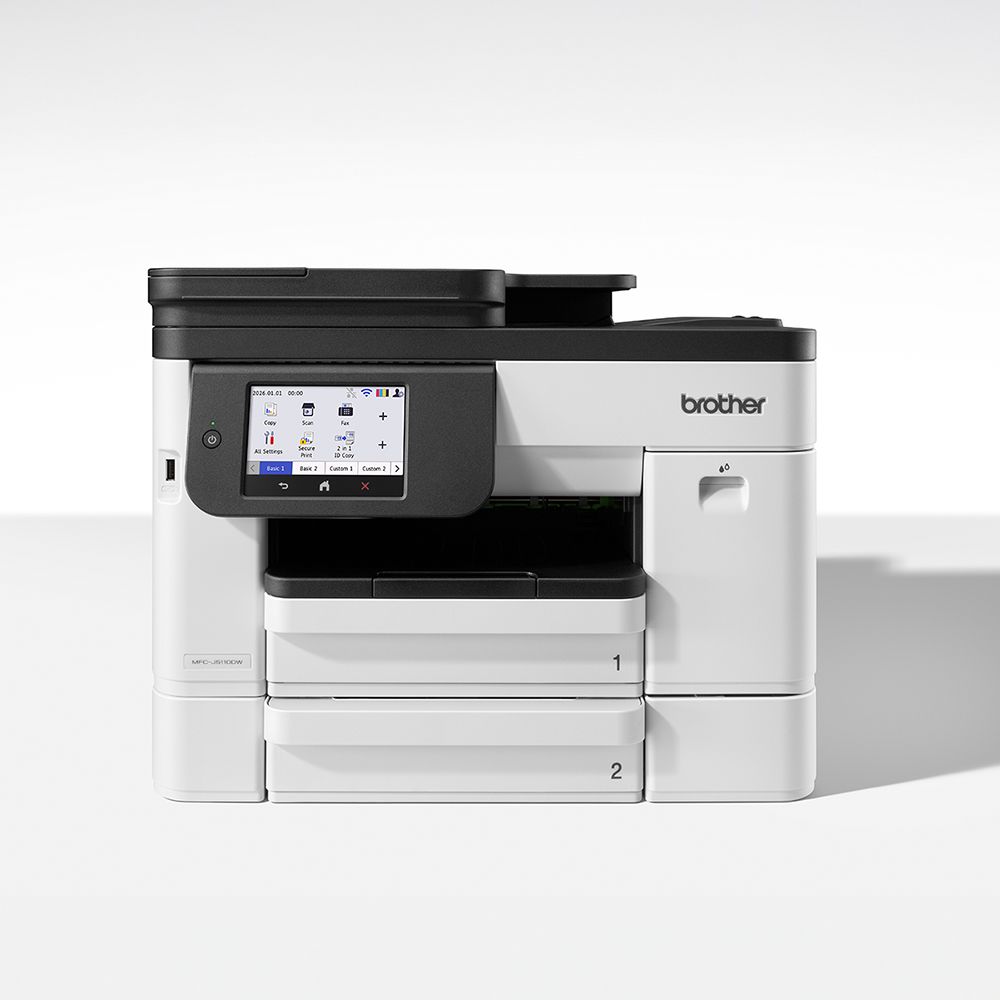
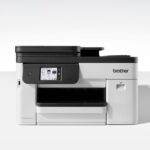

Brother MFC-J5110DW Wireless Colour Inkjet Multifunction
Original price was: £285.92.£274.81Current price is: £274.81.
A4 wireless & USB 2.0 connectivity, multifunction Print Copy Scan & Fax, up to 28 ipm (Mono) & 26 ipm (Colour) Print speed, 250 sheet paper input, 50 sheet ADF, up to 1200 x 4800dpi print resolution, 10.9cm (4.3”) Colour Touchscreen, 512MB memory, duplex printing, mobile managed – via the Brother Mobile Connect app
| Weight | 17.1 lbs |
|---|---|
| Dimensions | 43.9 × 43.5 × 34 in |
| Model Name | MFCJ5110DW |
| Availability | Next day* |
| Download PDF | |
| OEM SKU | MFCJ5110DWZU1 |
| Dimensions | 43.5 x 34 x 43.9 |
4 in stock
Built for small offices that demand speed, efficiency, and reliability, the MFC-J5110DW combines Brother’s MAXIDRIVE inkjet technology with seamless connectivity, smart paper handling, premium high-yield inks, and Advanced Maintenance for consistent performance.
The all-in-one MFC-J5110DW combines fast print and scan speeds with automatic 2-sided functionality to save time and reduce paper waste. Dual 250-sheet paper trays provide generous capacity for fewer refills and uninterrupted printing, while the large intuitive colour touchscreen makes navigation simple. High-yield premium pigment ink cartridges keep costs low and quality high, making them the ultimate choice for performance and value.
Brother’s patented MAXIDRIVE print chip utilises advanced piezoelectric technology to precisely deliver ink at high power, enabling fast, consistent printing from a device built to last. Paired with premium pigment inks, the MFC-J5110DW produces continuous rich, vibrant colours and text with clear definition.
Enjoy uninterrupted printing with Brother’s Advanced Maintenance that keeps your printer performing at its best. With intelligent check technology, your printer automatically monitors ink jetting performance and detects when maintenance is needed, saving you time and effort. Meanwhile, micro-vibration technology and the multi-port suction system work together to prevent ink from drying, removing air bubbles to ensure a smooth, consistent ink flow for optimal print quality.
To keep pace with the ever-evolving legislation on privacy and data security, our devices offer the latest industry-standard security features to securely protect your data. The MFC-J5110DW is ‘secure by design’, using triple-layer security at the device, network, and document levels, offering added peace of mind and guaranteeing that the integrity of your data is maintained at every step.
Set up, print and scan on the go with Brother Mobile Connect. Control all your Brother printers from the palm of your hand. Easily check ink levels, order and save on genuine Brother supplies, access your scanned documents history and personalise your frequently used features.
AS A PRINTER: Up to 28 page per minute (mono) & up to 26 page per minute (colour), 1200 x 4800 dpi resolution, First Print Out Time of up to 4.7 Seconds, Features include watermark & booklet printing, N-up printing, Poster printing, Mirror print, Reverse print & Borderless print
AS A COPIER: 24 images per minute (mono), 14 images per minute (colour), up to 1200 x 4800dpi resolution, 25 – 400 in 1% increments.
AS A COLOUR SCANNER: Colour & mono scanning, Flatbed scan resolution of up to 1200 x 2400 dpi, functions include Scan to Image, Scan to OCR, Scan to e-mail & Scan to file, Scan to FTP
AS A FAX: 33,600bps (Super G3), 256 shades (8 bit) greyscale, 150 page memory, 2 sided scanning.
**USB cable not supplied**
Related products
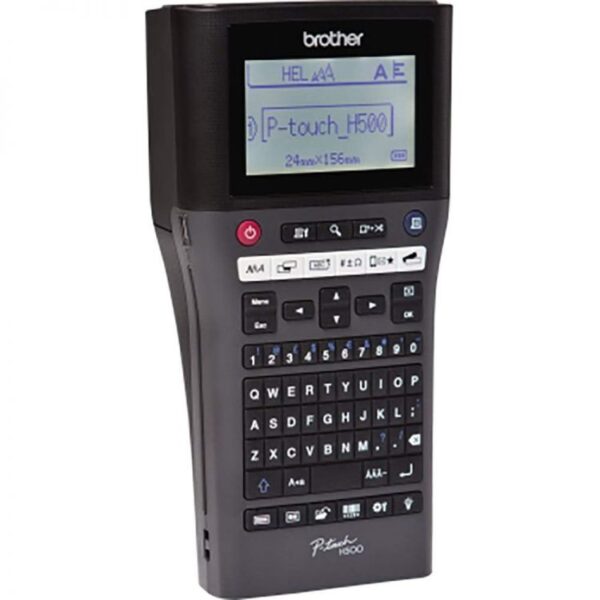
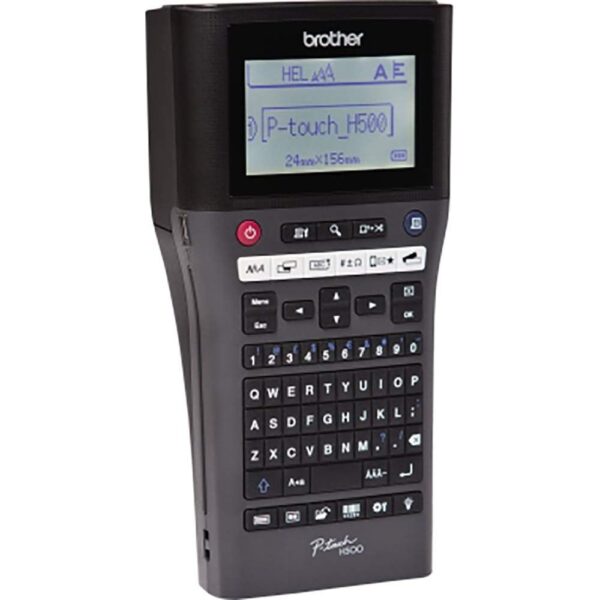
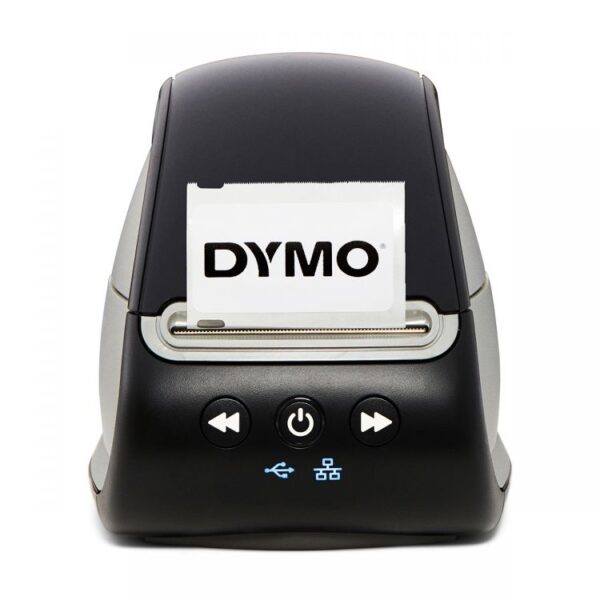
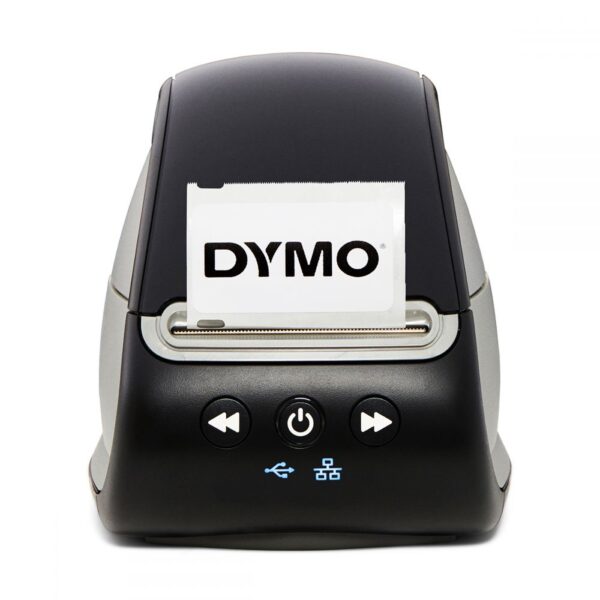
Dymo Labelwriter 550 Turbo Desktop Label Printer
Desktop label maker with PC link, automatic new label recognition function, direct thermal print technology, up to 90 labels per minute, 300dpi resolution, max print width 58.42mm wide, barcodes, USB interface, PC & Mac compatible, create and customize 60+ label different styles and layouts, sleep mode






























Reviews
There are no reviews yet.